Get started
From signup to a running phone
Four steps. You bring the phones and a computer.
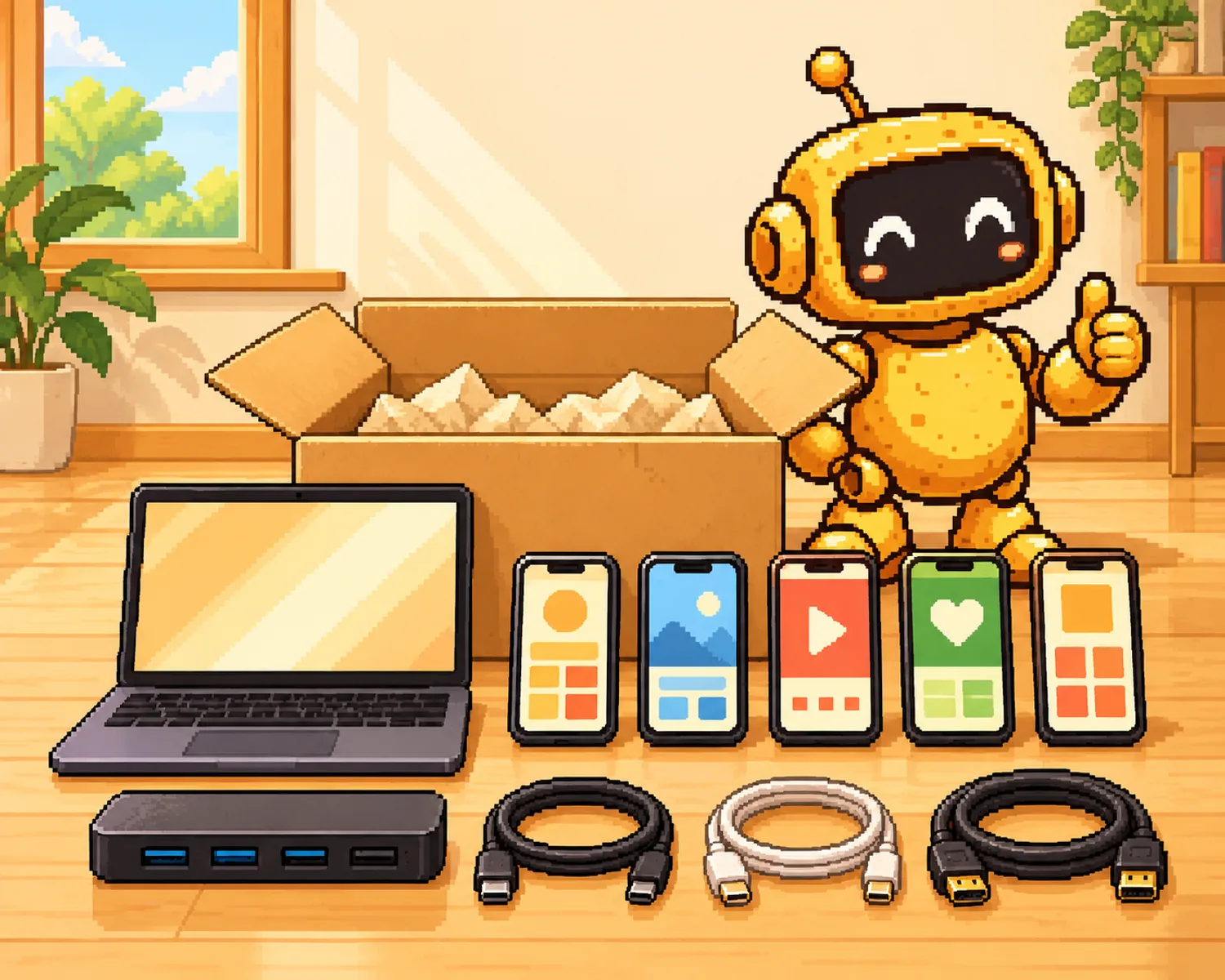
How to start
From signup to a running phone in four steps.
- Step 1: Sign up and top up your walletCard or crypto.Have a partner or legacy code? Enter it at signup or later in Billing.
- Step 2: Buy your first product5 remote control phones, 5 DoritoX or DoritoD phones, or 1 DoritoY phone. The dashboard opens right away.
- Step 3: Install the Companion, our desktop appOn a Mac or a 64-bit Windows PC that stays on.
- Step 4: Plug in and pick an automationConnect each phone by USB and let Automations do the daily work.


Checklist
What to buy
We don't sell phones. Here's what you need.
- A Mac or Windows PCApple Silicon or Intel Mac, or 64-bit Windows, left on. Windows also needs Apple Devices for iPhones.
- PhonesiPhones on iOS 15 or later, or Android phones on GrapheneOS. Automations run on iPhones.
- USB cablesOne per phone.
- A powered USB hubOnce you pass 2 or 3 phones.
- ProxiesYours, or buy ours in the dashboard.
- SMS or email providersFor sign-up codes on new accounts.


DoritoX needs an iPhone 6s to 15 on iOS 15 to 17.3.1, jailbroken with Dopamine. DoritoY works on normal iPhones.
Remote control starts at $19.99 a phone a month, 5 minimum.
See pricingReady when your phones are.
Plug them in and run every account from one dashboard.
Build your farm
From $99.95 a month. Cancel any time in Billing.
 1,500+ in our Telegram and Discord <3
